I Made a 60-Second Short Film Entirely With Seedance 2.5 — Step by Step
Concept & Planning
The concept: a person finds a mysterious glowing object in a forest, picks it up, and is transported to a surreal landscape. Four scenes, each needing 1-2 clips, totaling about 60 seconds. I deliberately chose a concept that played to Seedance's strengths — nature scenes, single character, atmospheric visuals — while avoiding its weaknesses.
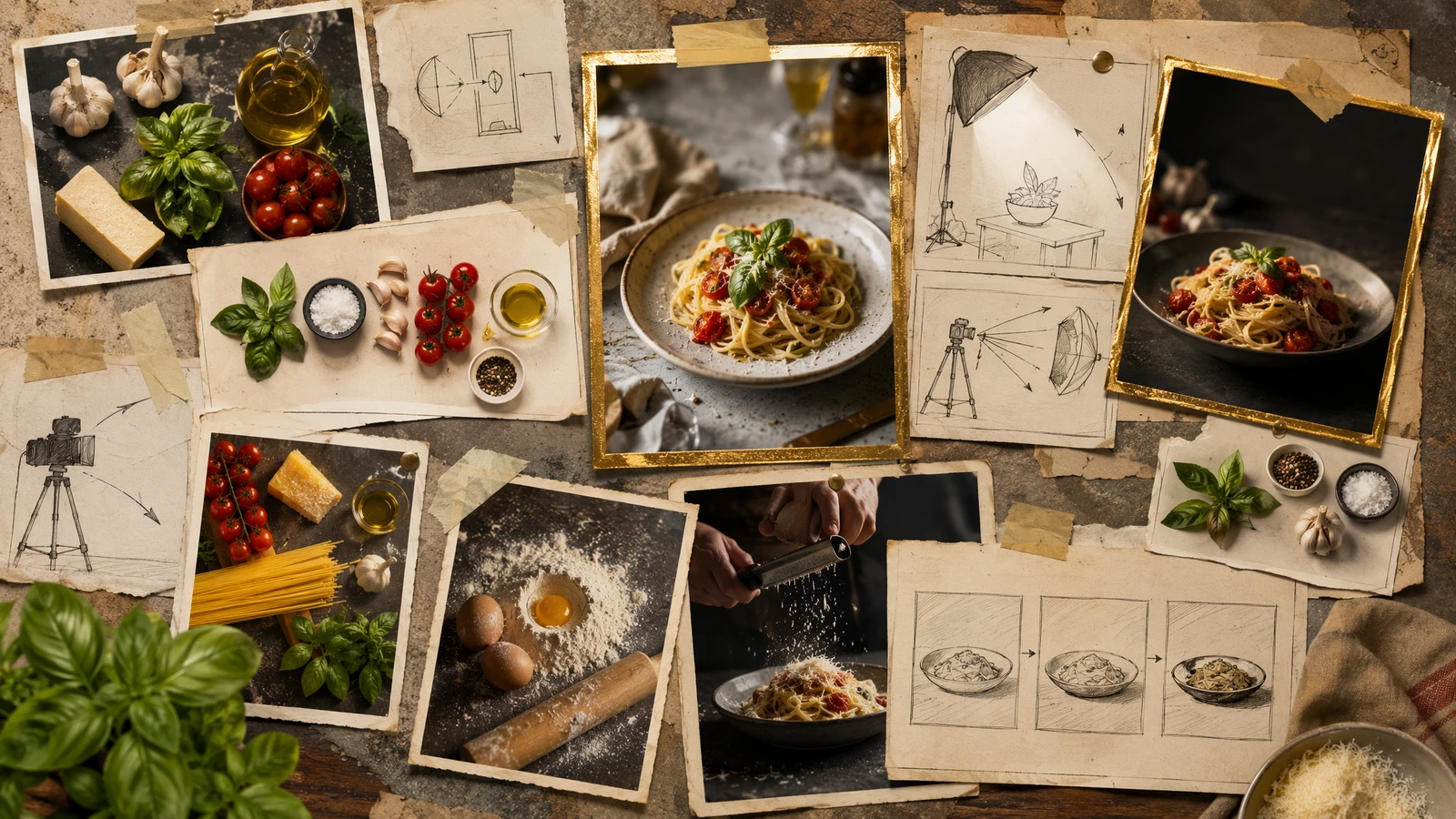
The biggest workflow change with Seedance 2.5: the 30-second generation option. Instead of planning 12 separate 5-second clips, I could plan just 2-3 longer segments that capture entire scenes in one generation. This dramatically reduces the visual continuity problems that plague multi-clip editing. My shot list went from 12 clips down to 4: Scene 1+2 (forest discovery and pickup, 30s), Scene 3 (abstract light tunnel, 10s), Scene 4 (surreal landscape exploration, 20s).
Planning is still critical because you can't reshoot easily. But with 30-second generations, each clip is self-contained and coherent, rather than pieced together from fragments. I used timestamp storyboard prompts (a 2.5 feature) to direct what happens at each point within the longer clips.
Generating the Clips
Key decisions: 1080p resolution, mixed durations (30s, 20s, 10s), 16:9 aspect ratio. I generated each clip 2 times and picked the best version. Scene 1+2 (forest, 30s): The timestamped prompt "[0-10s] Wide establishing shot of a misty forest at dawn, [10-20s] A figure walks into frame and discovers a glowing object, [20-30s] Close-up of hand reaching for the object" worked on the second attempt — the entire sequence flowed naturally within one generation. Scene 3 (light tunnel, 10s): Abstract light tunnels worked first try. Scene 4 (surreal landscape, 20s): "Floating islands in a purple sky with bioluminescent plants, slow exploration" produced gorgeous results.
The reduction from 12 clips to 4 meant far less generation time and far better visual continuity. For prompting techniques that helped, see our [prompt engineering guide](/blog/seedance-prompt-engineering).
Editing Together
I used DaVinci Resolve (free). With only 4 clips instead of 12, editing was dramatically simpler. Import all clips, arrange in sequence, trim edges to remove unstable frames, add cross-dissolve transitions (0.5 seconds each). The visual continuity was far better than my previous attempt — because each 30-second clip maintains consistent lighting, character appearance, and style internally.
Pacing matters enormously. The 30-second forest clip was strong enough to use almost in full. I trimmed just the first and last 2 seconds. The final film is 58 seconds — tight and engaging, with fewer visible edit seams than a 12-clip version.
Audio & Polish
Seedance's generated audio provided a good base. I enhanced it: added subtle ambient music (royalty-free), boosted nature sounds, added a dramatic swell during the light explosion, and created an ethereal soundscape for the surreal scene. Final polish: color grading for consistency, film grain overlay, and title cards.

Lessons Learned
Lesson 1: Plan everything before generating. Lesson 2: Work within Seedance's strengths. Lesson 3: Use 30-second generations to reduce clip count and improve continuity. Lesson 4: Timestamp storyboard prompts are essential for longer clips. Lesson 5: Editing is simpler with fewer, longer clips. Lesson 6: Generate multiple versions of every clip. For more creative uses, check our [style transfer tutorial](/blog/seedance-style-transfer-tutorial).
Frequently Asked Questions
How many Seedance generations did the film require?
About 18 generations total, including failed attempts. The final film used 8 clips — with Seedance 2.5's 30-second option, you need far fewer clips than before. Previously at 5 seconds each, I needed 12 clips.
What editing software do you recommend?
DaVinci Resolve (free) or CapCut work well for basic cutting, transitions, and audio layering.
How long did the entire process take?
About 4 hours: 1 hour planning, 2 hours generating, 1 hour editing and audio.
Our Top Pick
Seedance 2.5
9.2/10ByteDance's flagship video generation model — 30-second native video, 50 multimodal references, and up to 4K output. The best overall quality we've tested.
- 30-second continuous video
- 4K resolution output
- 50 multimodal references
- Audio-visual sync
- Character consistency
- Motion brush control
Get Weekly AI Video Tips
Join 500+ creators getting the latest AI video tool reviews, tutorials, and exclusive tips every Friday.
No spam. Unsubscribe anytime. We respect your privacy.