Seedance 2.5 Product Video Tutorial: From Boring Photo to Cinematic Ad
Why Products Work So Well
Product videos are the single best use case for Seedance 2.5. In my testing, product showcases achieved a 95% success rate — the highest of any category (up from 93% in 2.0, thanks to the improved physics simulation). Products are static objects with clear shapes, and the model excels at rendering them from different angles with cinematic lighting. With up to 50 reference images, you can upload every angle of a product and get incredibly consistent results.
The business case is compelling: a professional product video shoot costs $2,000-$10,000+. With Seedance, you can produce comparable quality at essentially zero marginal cost per video.
Preparing Your Product Photo
Your reference photo determines your video quality. Checklist: clean solid background, even diffused lighting, high resolution (1024x1024+), product centered filling 60-70% of frame, multiple angles if possible.
If shooting yourself: use natural window light or a lightbox, shoot at eye level. If using existing photos: pick the sharpest, best-lit image and remove the background before uploading.
Prompt Recipes
The Reveal: "[Product] slowly emerging from shadow into dramatic side lighting, dark background, slow dolly-in, premium feel."
The 360: "[Product] rotating slowly 360 degrees, soft studio lighting, white background, smooth continuous motion."
The Lifestyle: "[Product] in a real-world setting, natural ambient lighting, gentle camera movement."
The Detail: "Extreme close-up of [product texture/material], slowly panning across the surface, macro lens feel, shallow depth of field."
See our [prompt engineering guide](/blog/seedance-prompt-engineering) for advanced techniques.
Multi-Angle Shoot
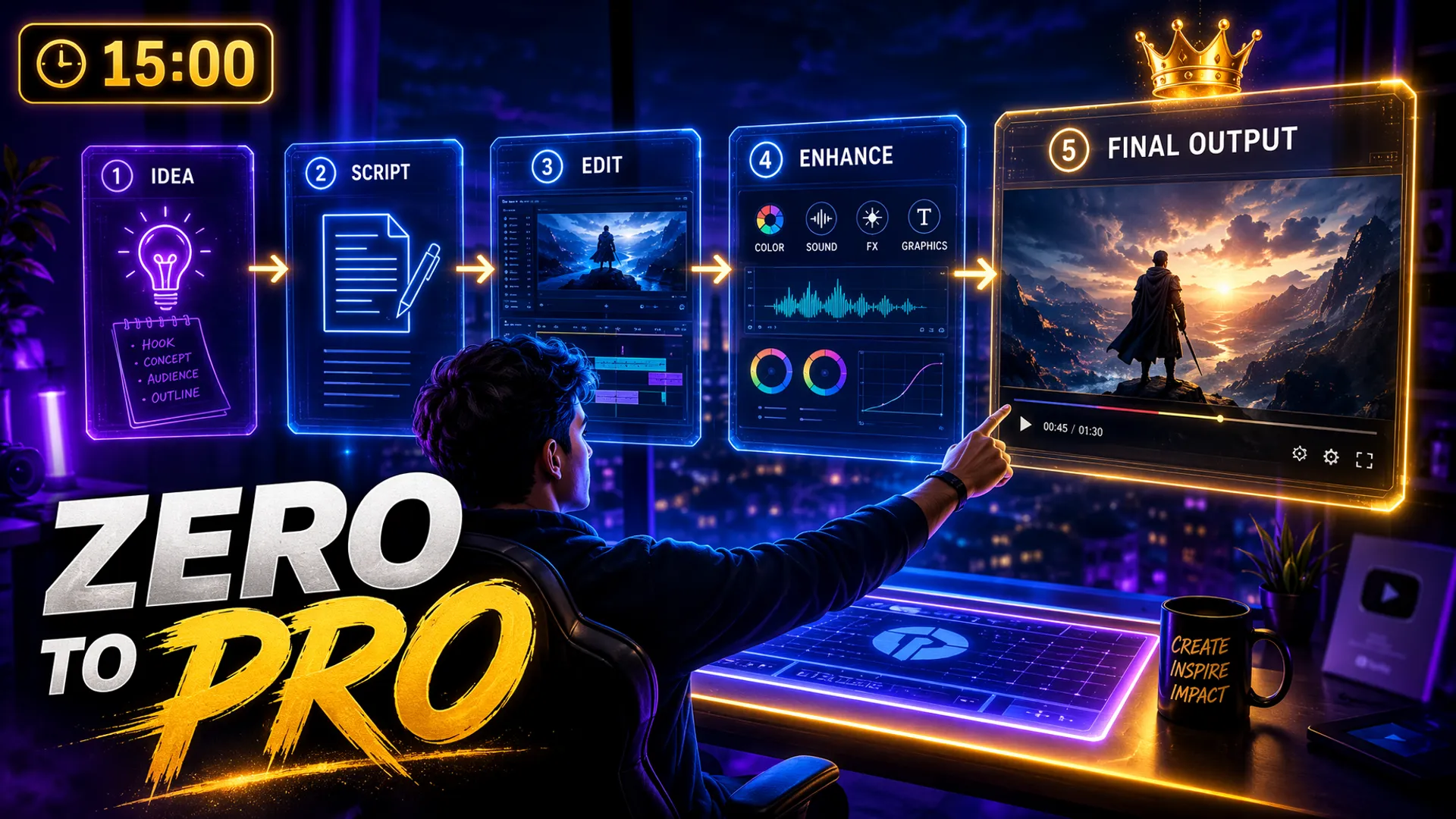
For a complete product video, generate 4-5 clips using different prompt recipes: a reveal shot (3s), a 360 rotation (5s), a detail close-up (3s), and a lifestyle shot (5s). Edit them together for a 16-second video that feels professionally produced.
Don't use multi-shot mode for this — generate each angle independently and edit manually. See my [multi-shot review](/blog/seedance-2-multi-shot) for why.
Final Polish & Export
Final touches: color grade for consistency, add subtle vignette, include text overlays in your editor (not Seedance), add background music, and include a CTA end card. Export at 1080p, H.264, 15-20 Mbps.
For commercial use rights, check our [commercial use guide](/blog/seedance-commercial-use).
Frequently Asked Questions
What product photo works best?
A clean, well-lit photo on a solid background. At least 1024x1024 pixels. Avoid cluttered backgrounds.
Can Seedance replace professional product videography?
For social media and basic marketing, yes. For high-end brand campaigns, use it for concepting and prototyping.
How long should a product video be?
Social media ads: 5-15 seconds. Product pages: 15-30 seconds. Brand films: 60+ seconds.
Our Top Pick
Seedance 2.5
9.2/10ByteDance's flagship video generation model — 30-second native video, 50 multimodal references, and up to 4K output. The best overall quality we've tested.
- 30-second continuous video
- 4K resolution output
- 50 multimodal references
- Audio-visual sync
- Character consistency
- Motion brush control
Get Weekly AI Video Tips
Join 500+ creators getting the latest AI video tool reviews, tutorials, and exclusive tips every Friday.
No spam. Unsubscribe anytime. We respect your privacy.