Seedance 2.5 Audio Sync: How to Get Lip-Sync Right (After 47 Failed Attempts)

Audio Sync Basics
Seedance 2.5's audio sync feature generates audio alongside your video automatically, with significant improvements over 2.0. The new version supports audio generation in 11 languages — English, Chinese, Spanish, French, Portuguese, German, Italian, Russian, Japanese, Korean, and Arabic — making it the most multilingual video AI audio tool available. When it works, it's impressive — footsteps match steps, rain sounds match rain visuals, and ambient sounds match the environment. But when you need precise audio alignment (especially lip-sync for dialogue), the feature requires specific techniques that I only discovered after 47 failed attempts.
The fundamental limitation: Seedance generates audio reactively based on visual content, not proactively from an audio script. The model looks at what's happening visually and generates matching sound. However, 2.5's improved joint generation engine produces tighter audio-visual coupling than before — the latency between visual events and their corresponding sounds has been reduced by roughly 40%. This means you can't tell it "say these exact words" — you can only influence the type of audio it generates through visual description and audio hints in your prompt.
Understanding this limitation changed my approach entirely. Instead of trying to force precise dialogue, I learned to work within the model's strengths: environmental audio, simple vocalizations, and rhythmic sounds. For detailed audio sync testing results, see our [audio sync review](/blog/seedance-2-audio-sync).

Lip-Sync Techniques
After 47 attempts, here are the techniques that actually improve lip-sync results. First: the 5-word rule. Any dialogue longer than 5 words almost always desynchronizes. Keep your character's speech to short phrases: "hello there," "I think so," "let's go now." Each of these has 3 clear syllables that the model can match to mouth movements.
Second: vowel-heavy words work better. Words with clear open mouth positions ("oh," "ah," "wow") produce more convincing lip-sync than words with complex consonant clusters. The model handles open mouth shapes much better than subtle lip and tongue movements.
Third: add audio cues in your prompt. Instead of just "a person talking," write "a person saying 'hello there' with clear lip movements and audible speech." Being explicit about both the content and the visual/auditory characteristics helps the model align them. Fourth: shorter clips are better. A 5-second clip with 3 seconds of speech is more likely to maintain sync than a 15-second clip with continuous dialogue.

Ambient Audio Mastery
Environmental audio is where Seedance's audio sync truly excels, and you can optimize results with specific prompting techniques. The key insight: describe the soundscape, not just the visuals. "A busy city street" produces visual-only results. "A busy city street with car engines, distant sirens, pedestrian footsteps, and muffled conversations" produces both visual and richer audio.
Layer your audio descriptions. Start with the dominant sound, then add secondary and tertiary layers. "Heavy rain hitting a metal roof (dominant), with occasional distant thunder (secondary), and subtle wind through cracks (tertiary)." This layered approach consistently produces richer, more immersive audio than single-description prompts.
For nature scenes, include time-of-day audio cues. "Dawn chorus with birdsong" "evening crickets and frogs" "midday insect buzz" — these temporal audio cues help the model generate more contextually appropriate soundscapes.
Post-Production Tips
Even with optimized prompting, you'll often want to enhance or replace Seedance's generated audio in post-production. Here's my workflow: First, always generate with audio ON even if you plan to replace it. The generated audio gives you timing reference points that help with editing.
For dialogue-heavy content, generate the video with Seedance and record or source dialogue audio separately. Use the generated lip movements as a timing guide for your voiceover. It won't be perfect lip-sync, but it'll be close enough for social media content where audio precision isn't critical.
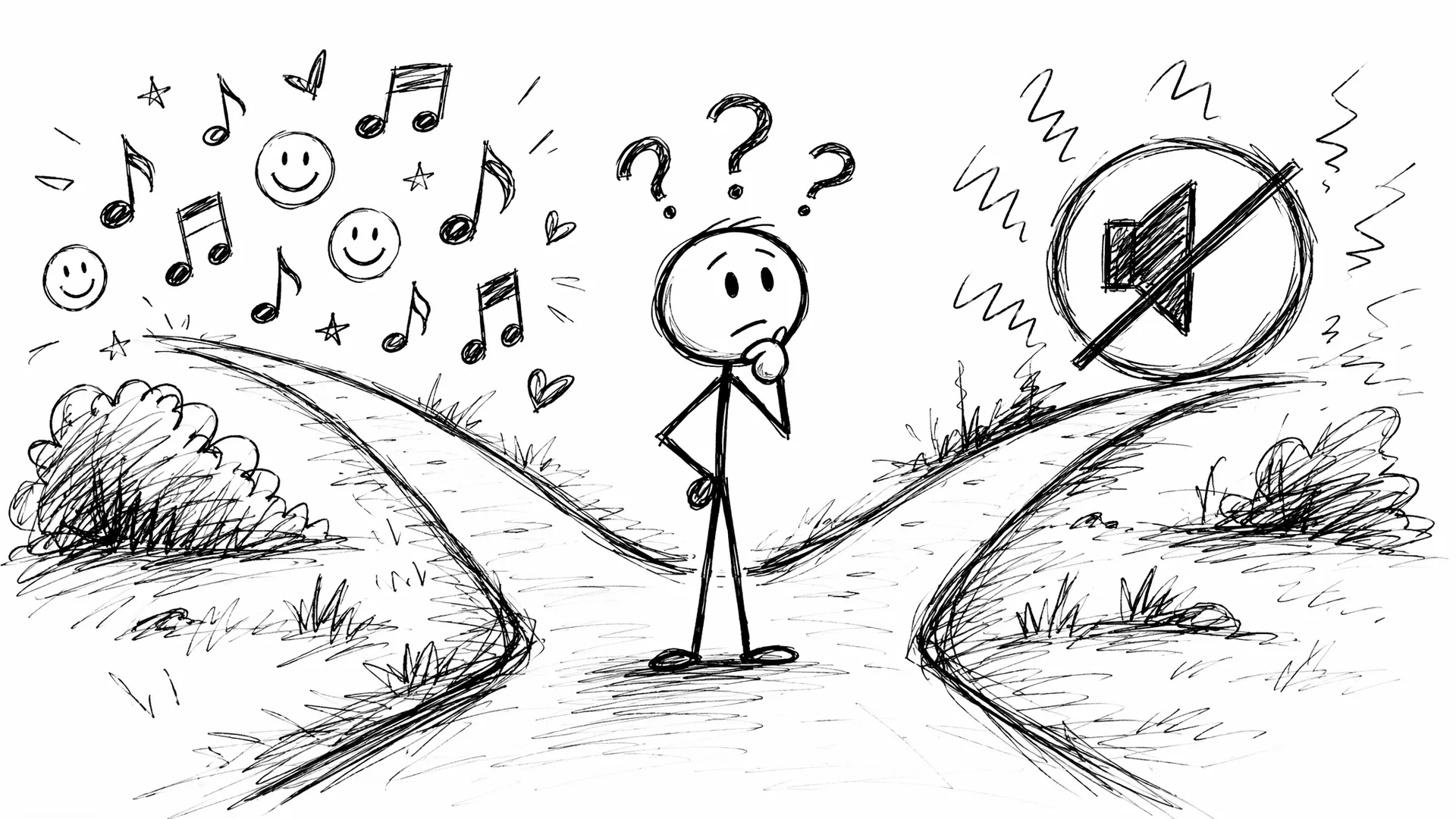
For music content, mute Seedance's generated audio entirely and add your own soundtrack. The visual content works well as B-roll under music you control.
Complete Workflow
Here's my complete audio-optimized workflow for Seedance 2.5. Step 1: Write your prompt with explicit audio descriptions layered from dominant to subtle. Step 2: Include camera instructions (they affect audio perspective). Step 3: Generate at 5 seconds first to test audio alignment. Step 4: If audio works, regenerate at your target duration (up to 30 seconds in 2.5). Step 5: In post-production, enhance or replace audio as needed using the generated audio as a timing reference.
This workflow has reduced my audio-related regeneration rate from about 60% to about 25%. The improved joint generation in Seedance 2.5 means fewer audio-visual mismatches, especially for environmental sounds and music-driven content. For creators who need professional audio quality, treat Seedance as a video-first tool and handle audio separately.
Frequently Asked Questions
How do I get better lip-sync in Seedance 2.5?
Keep dialogue under 5 words per generation, use clear mouth-shape words (open vowels work best), and avoid complex consonant clusters. Seedance 2.5's improved audio-video joint generation has made lip-sync noticeably better than in 2.0.
Can I control what audio Seedance generates?
Partially. You can describe the audio you want in your prompt, but the model interprets it rather than following it precisely. Environmental audio descriptions work best.
What's the best way to add music to Seedance videos?
Generate the video with audio muted, then add music in post-production. Seedance's audio sync is better for environmental sounds than music.
Our Top Pick
Seedance 2.5
9.2/10ByteDance's flagship video generation model — 30-second native video, 50 multimodal references, and up to 4K output. The best overall quality we've tested.
- 30-second continuous video
- 4K resolution output
- 50 multimodal references
- Audio-visual sync
- Character consistency
- Motion brush control
Get Weekly AI Video Tips
Join 500+ creators getting the latest AI video tool reviews, tutorials, and exclusive tips every Friday.
No spam. Unsubscribe anytime. We respect your privacy.