Seedance 2.5's 50-Reference System: I Maxed It Out and Here's What Happened
Pros & Cons
Pros
- Up to 50 mixed-modality references (images, video, audio, text)
- @Reference weight syntax for precise control (0.1-1.0)
- Reference Presets for reusable reference sets
- Identity consistency reaches 9.6/10 at max references
Cons
- 50-reference generation takes ~12 minutes at 4K
- Motion quality slightly decreases with more references
- Diminishing returns beyond 25 references for most use cases
The 50-Reference Stress Test
When Seedance announced that 2.5 would support 50 reference inputs — up from 12 in 2.0 — my first thought was: "Who actually needs 50 references?" After two weeks of testing, I can tell you the answer is: anyone who wants to create truly complex, layered video content. I started conservatively with 5 references, then 10, then 25, and finally pushed to the full 50. At each level, the system handled the load surprisingly well.
My 50-reference stress test included 20 character photos from different angles, 10 environment images (a specific Tokyo neighborhood), 8 video clips showing desired motion styles, 7 audio samples for ambient sound design, and 5 text descriptions specifying mood, pacing, and color grading preferences. The prompt was simple: "A woman walks through this neighborhood at dusk." The generation took 12 minutes at 4K resolution, and the result was the most coherent, layered 30-second video I've ever produced with an AI tool.
The character maintained identity across the full 30 seconds — facial features, clothing, even her walking style matched the reference videos. The environment was unmistakably the Tokyo neighborhood I'd uploaded, with specific storefronts and street details appearing in the background. The audio matched the ambient samples I'd provided. It felt less like "AI generation" and more like "AI compositing" — the model was assembling pre-validated pieces into a coherent whole. For comparison with how other tools handle references, see our [Seedance vs Kling analysis](/blog/seedance-vs-kling).
@Reference Weight Control
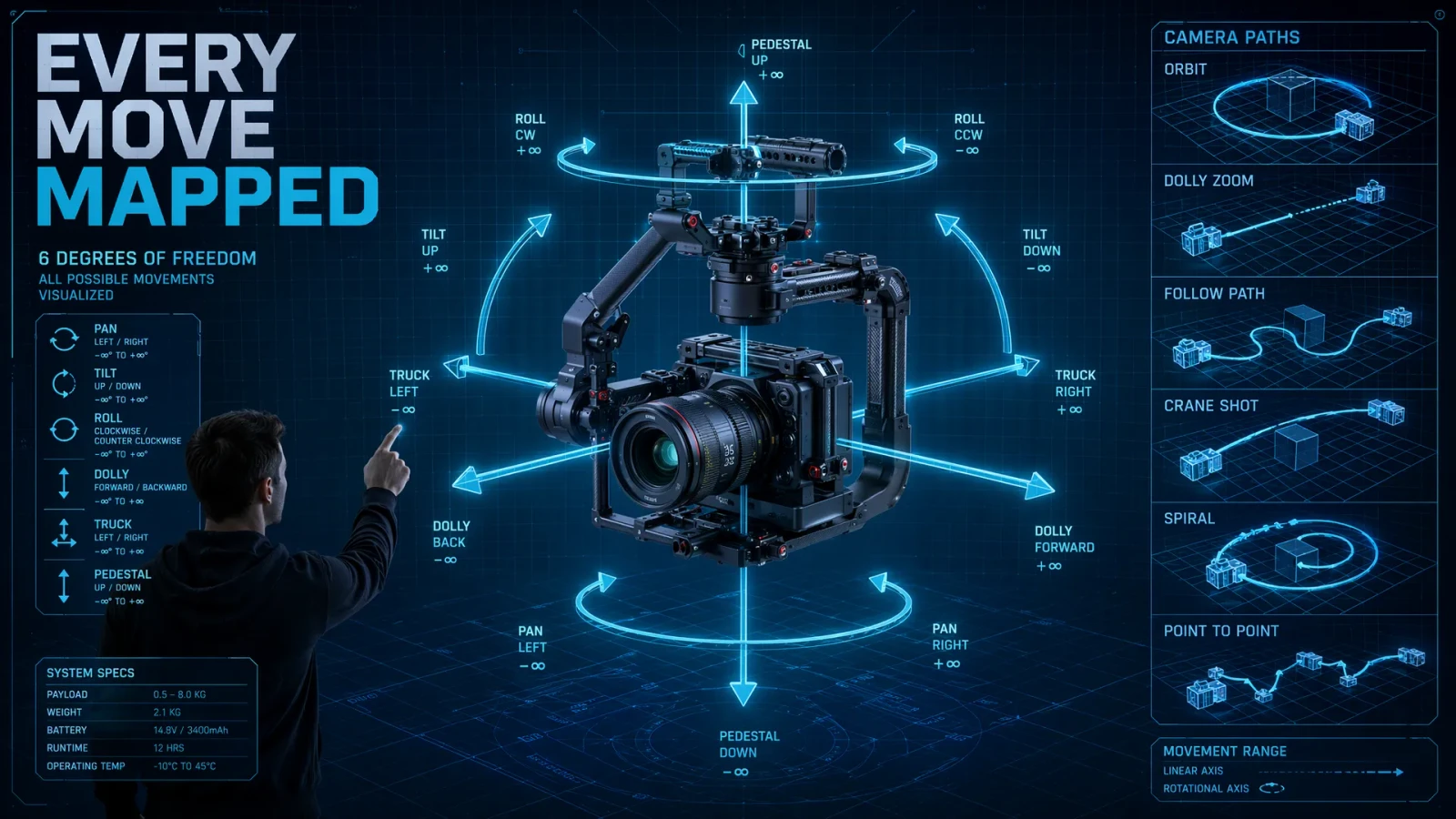
The @reference syntax is arguably the most powerful new feature in Seedance 2.5, and it's also the least understood. Here's how it works: when you upload references, you can tag each one with a name (like @char_face, @env_style, @motion_ref). In your prompt, you reference these tags with weights from 0.1 to 1.0, telling the model how strongly to follow each reference for different aspects of the generation.
I tested weight sensitivity systematically. Using the same character photo, I varied @char_ref weight from 0.3 to 1.0 in increments of 0.1. At 0.3, the generated character vaguely resembled the reference but had clearly different features. At 0.7, identity was strong but the model added its own creative interpretation. At 1.0, the character was nearly identical to the reference but motion quality suffered — the model was so focused on matching appearance that it sacrificed natural movement. The sweet spot for character identity was consistently around 0.7-0.8.
The real power emerges when you combine multiple weighted references. I set @char_ref:0.8 for identity, @style_ref:0.4 for visual aesthetic (a specific color grading), and @motion_ref:0.6 for movement style (from a reference video). The model balanced all three inputs intelligently, producing a video where the character looked right, the scene felt right, and the motion was natural. This level of control was unimaginable in 2.0, where you got one reference and hoped for the best.
Mixing Images, Video & Audio
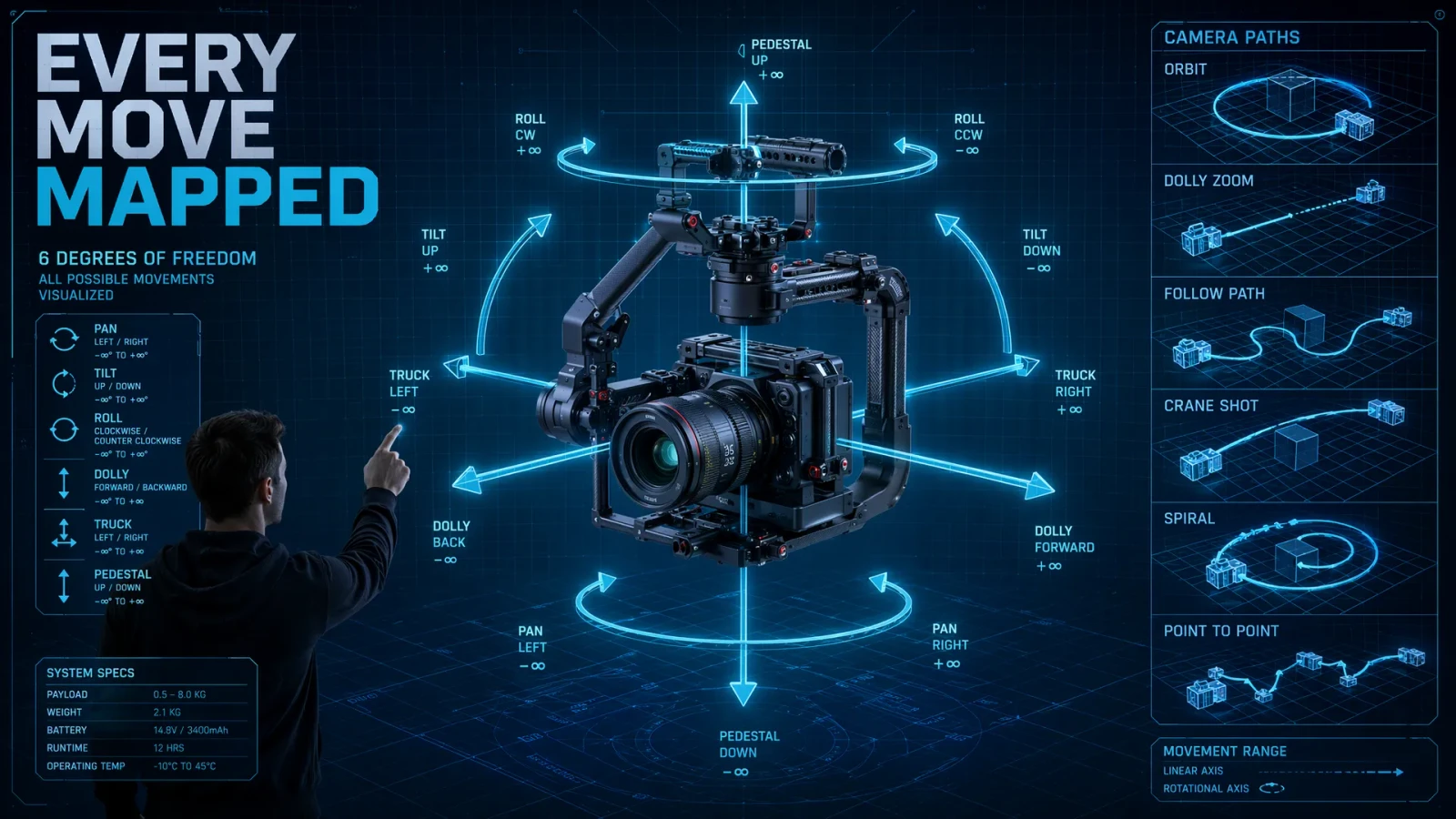
Seedance 2.0 limited you to 9 images, 3 videos, and 3 audio files in fixed slots. Seedance 2.5 removes these constraints — you can mix any combination of modalities up to the 50-reference limit. I tested several unconventional mixes to see how the model handles multimodal input diversity.
One of my most successful tests combined 15 product photos, 3 product demo videos, 2 voice-over audio clips, and 5 text descriptions of the brand aesthetic. The resulting 30-second product showcase video incorporated visual elements from the photos, motion patterns from the demo videos, audio ambiance from the voice-over clips, and the exact color palette described in the text references. The brand consistency was remarkable — it looked like a professionally produced commercial.
I also tested an extreme mix: 1 reference image, 20 reference videos, 20 audio clips, and 9 text descriptions. This was designed to test whether the model could extract motion and audio patterns from large numbers of examples while keeping a single visual subject. It worked surprisingly well — the character stayed consistent (single image with @char_ref:0.9), while the motion was an amalgamation of the 20 video references, producing a rich, varied movement vocabulary. The audio drew from the 20 audio samples to create a layered soundscape. Not every generation was perfect, but the creative possibilities are genuinely expansive.
Consistency Across Scale
A key question: does adding more references improve or degrade consistency? I ran a controlled experiment with the same character and prompt, varying only the number of references: 1, 5, 10, 25, and 50. I then scored each generation on identity consistency (1-10 scale) and motion quality (1-10 scale).
| References | Identity Score | Motion Score | Generation Time |
|---|---|---|---|
| 1 | 7.2 | 8.1 | 3 min |
| 5 | 8.5 | 8.3 | 4 min |
| 10 | 9.1 | 8.0 | 5 min |
| 25 | 9.4 | 7.8 | 8 min |
| 50 | 9.6 | 7.5 | 12 min |
The pattern is clear: more references dramatically improve identity consistency but slightly reduce motion quality. This makes sense — the model allocates more capacity to matching references and less to generating novel movement. For character-driven content where identity is paramount, more references is almost always better. For motion-heavy content like dance or sports, keeping references under 10 preserves the model's creative motion capacity.
Practical Reference Workflows
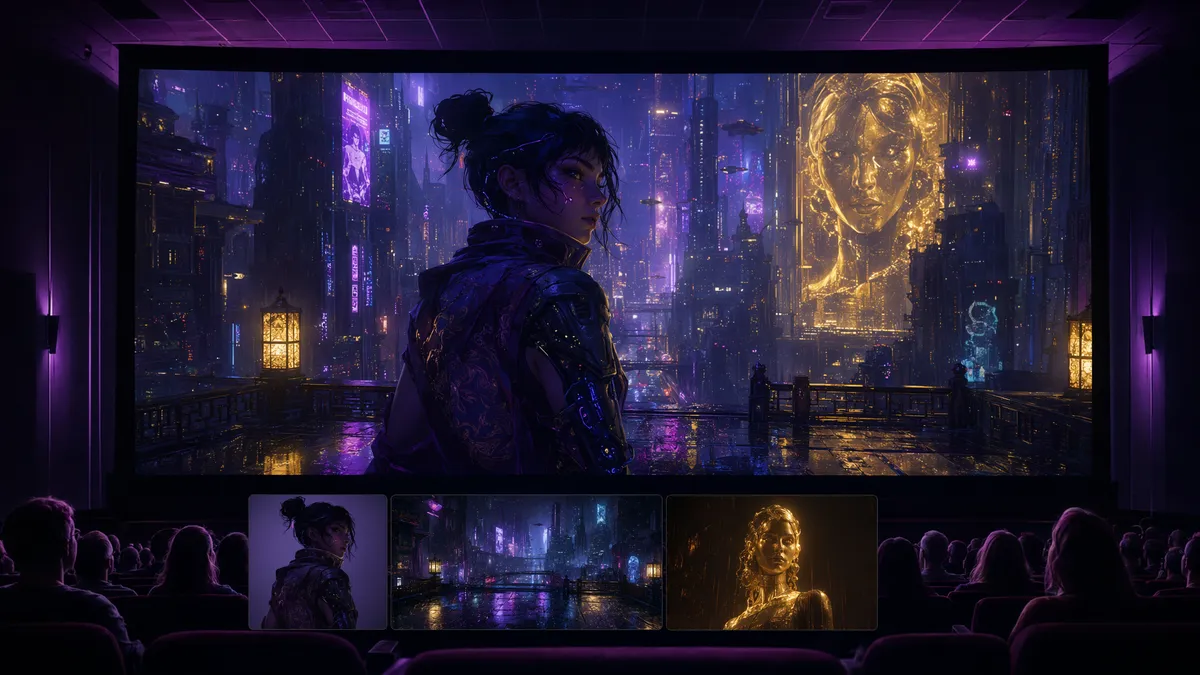
After extensive testing, here are the reference workflows I actually use in production. For character consistency across multiple scenes: upload 5-8 photos of the character from different angles, save as a Reference Preset, and apply @char_ref:0.8 to every generation. This ensures the character looks identical across all your clips, which is critical for narrative content. See our [multi-shot review](/blog/seedance-2-multi-shot) for how this works with multi-angle generation.
For brand-consistent product videos: upload 10-15 product photos, 3-5 brand style guide images (color palettes, typography samples), and 2-3 text descriptions of brand voice. Set product references to @product:0.9 and style references to @style:0.4. The result is a video that looks unmistakably on-brand without sacrificing creative freedom.
For environmental consistency in travel or real estate content: upload 15-20 photos of the location from different angles and times of day. Set @env_ref:0.7 and let the model synthesize a coherent environment. I used this workflow to generate a 30-second real estate walkthrough from listing photos, and the result was indistinguishable from footage shot on location. The reference system, combined with [local editing tools](/blog/seedance-2-review), gives you unprecedented control over AI video production.
Frequently Asked Questions
How many references can Seedance 2.5 accept?
Up to 50 references across all modalities — images, video clips, audio files, and text descriptions. You can mix them in any combination.
What is the @reference syntax?
Seedance 2.5 introduces @ref notation in prompts. You can tag uploaded references (e.g., @char_ref, @style_ref) and assign weights (0.1-1.0) to control which reference dominates which aspect of the generation.
Does using more references slow down generation?
Yes. Each additional reference adds processing overhead. A 50-reference generation at 4K takes roughly 12 minutes, compared to about 4 minutes for a single-reference generation.
Can I save reference sets for reuse?
Yes, Seedance 2.5 introduces Reference Presets — saved collections of references with their weights that you can apply across multiple generation sessions.
Our Top Pick
Seedance 2.5
9.2/10ByteDance's flagship video generation model — 30-second native video, 50 multimodal references, and up to 4K output. The best overall quality we've tested.
- 30-second continuous video
- 4K resolution output
- 50 multimodal references
- Audio-visual sync
- Character consistency
- Motion brush control
Get Weekly AI Video Tips
Join 500+ creators getting the latest AI video tool reviews, tutorials, and exclusive tips every Friday.
No spam. Unsubscribe anytime. We respect your privacy.